Branding & Styles
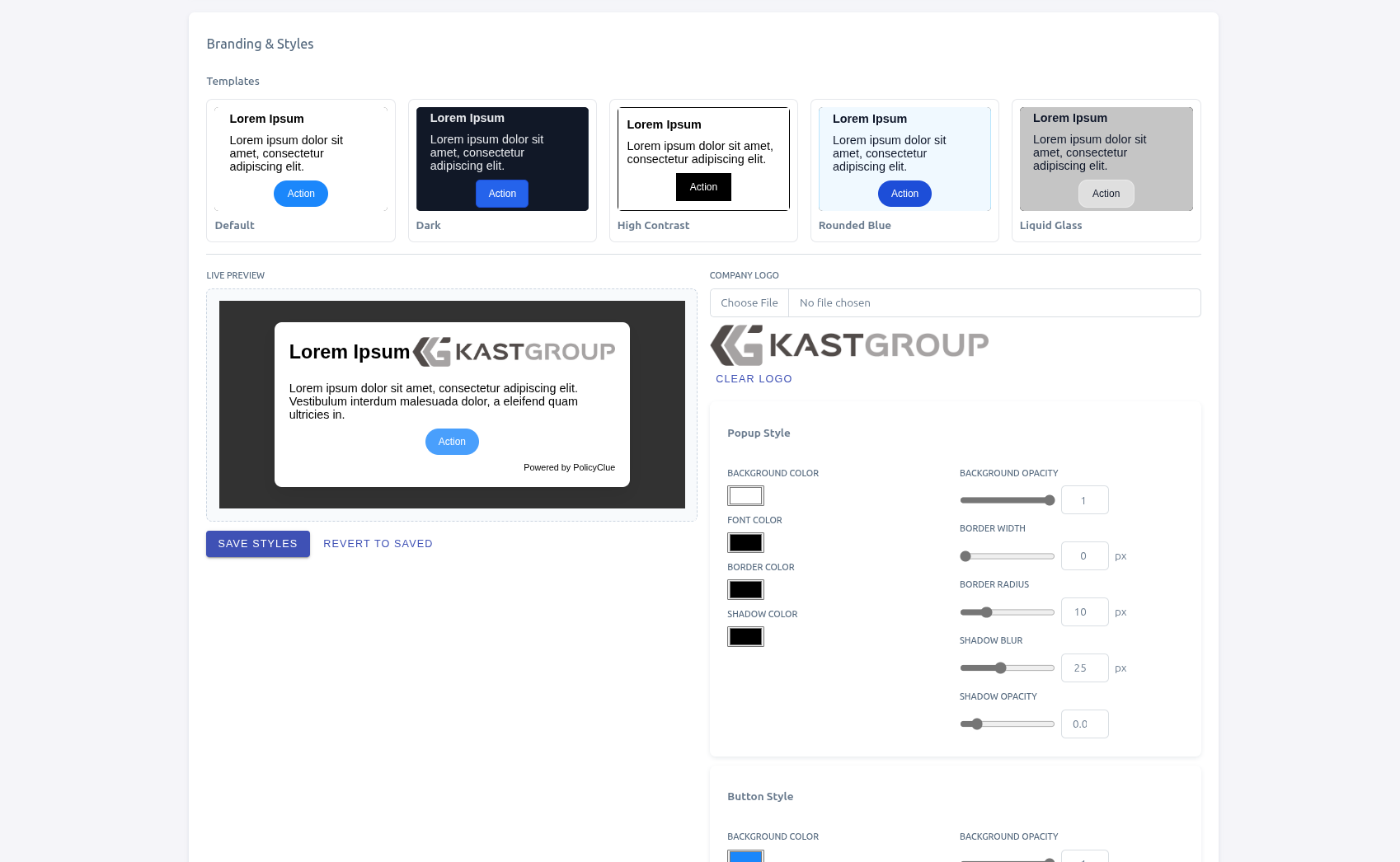
Branding controls the look of the popup users see on matched websites: the logo, colors, borders, and shadows. Changes are tenant-wide.
Where to find it:
- Open the admin portal and go to Branding & Styles.
What you can change:
- Company logo — upload or clear a logo. The logo appears in the popup for matched websites.
- Templates — start from a preset to get a consistent look quickly.
- Popup styles — background color and opacity, font color, border color / width / radius, shadow color / blur / opacity.
- Button styles — background, font, and border colors; opacity; border width / radius; shadow.
- Live preview — see changes instantly in the preview area before saving.
Click Save Styles to apply changes. Revert to Saved re-reads the stored values and discards unsaved edits.