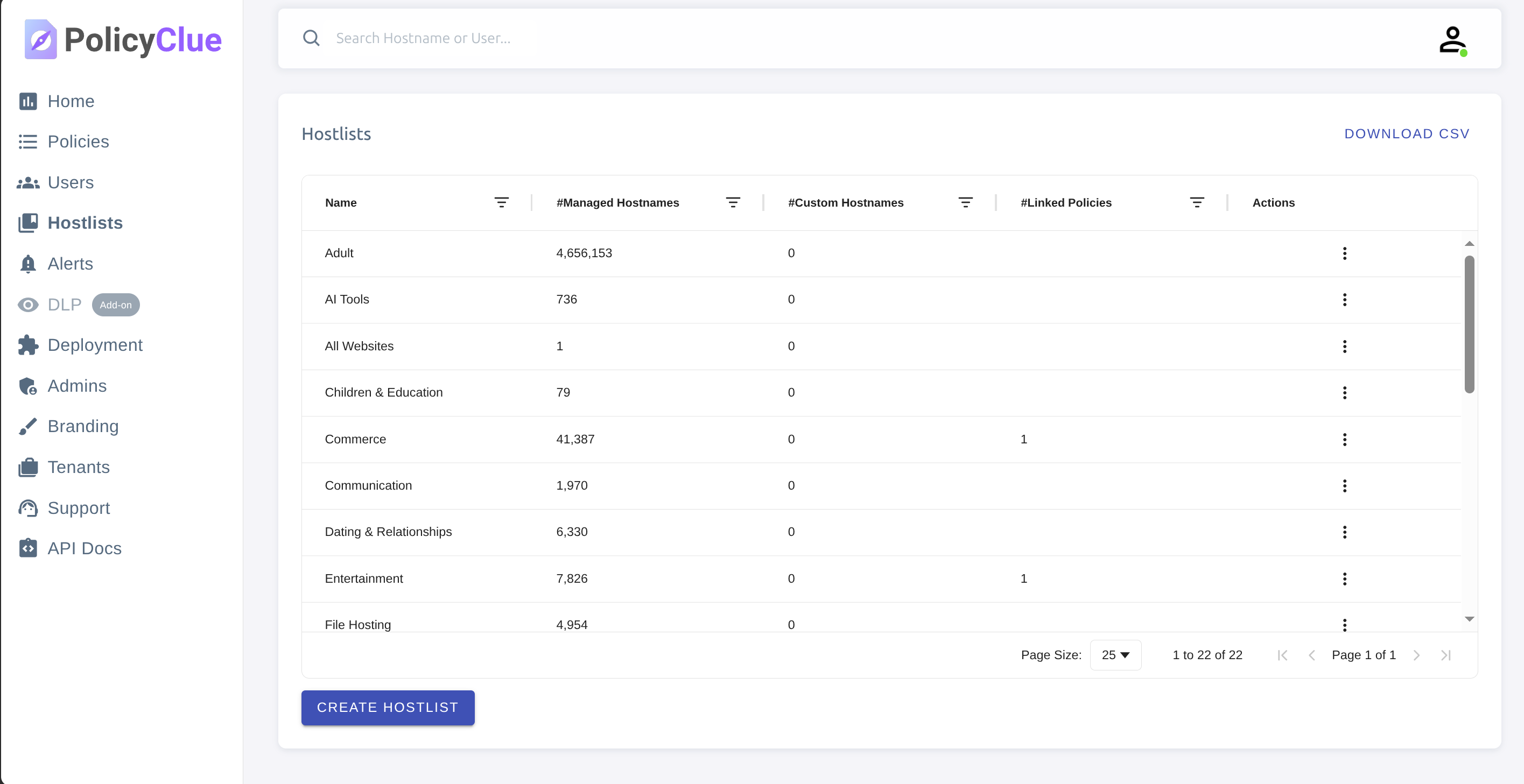
Matching Rules
Matching rules decide where a policy applies. Each rule matches either a hostname or a full URL, using one of four operations. A rule set groups one or more rules and can be attached to many policies.
Matching targets
- Hostname — the domain part of a URL (e.g.
example.com,mail.google.com). - URL — the full URL including path and query string (e.g.
https://example.com/admin/login).
Matching operations
| Operation | Description | Example pattern | Matches |
|---|---|---|---|
| Equals | Exact match. For hostnames, subdomain expansion applies when the policy has Subdomain matching enabled. | google.com |
google.com, mail.google.com (with subdomain matching) |
| Contains | The pattern appears anywhere in the value. | facebook |
facebook.com, m.facebook.com, facebook.net |
| Prefix | The value starts with the pattern. | mail. |
mail.google.com, mail.yahoo.com |
| Suffix | The value ends with the pattern. | .edu |
stanford.edu, mit.edu, cs.stanford.edu |
Creating a rule set
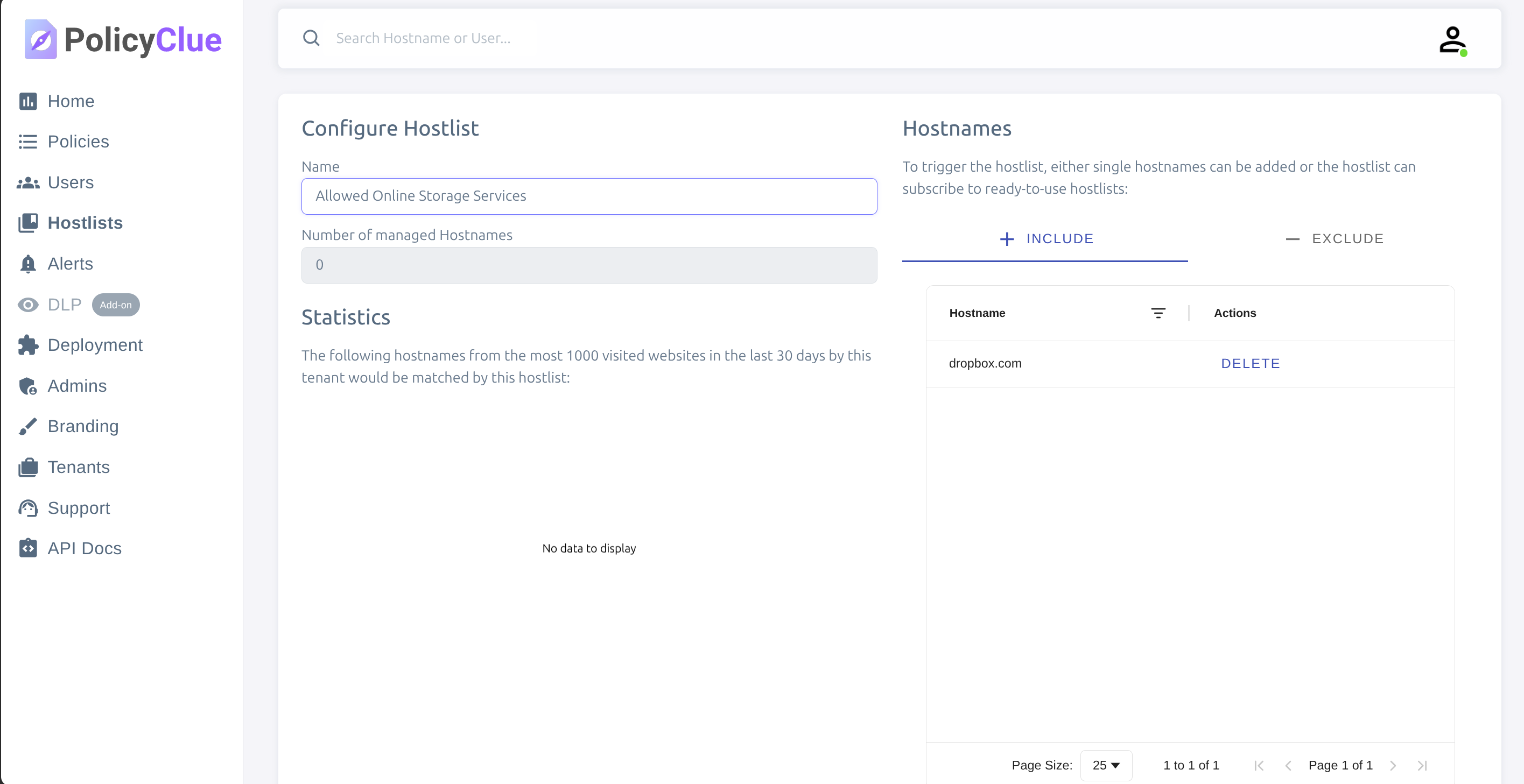
Open Matching Rules and click Create Rule Set. Give it a clear name (e.g. "Cloud file sharing", "Educational sites").
For each rule, use Add Rule and choose:
- Match Target — Hostname or URL.
- Match Operation — Equals, Contains, Prefix, or Suffix.
- Patterns — one pattern per line.
Examples
| Goal | Target | Operation | Pattern |
|---|---|---|---|
| Match a specific domain | Hostname | Equals | example.com |
| Match all subdomains containing "facebook" | Hostname | Contains | facebook |
Match all .edu domains |
Hostname | Suffix | .edu |
| Block admin pages | URL | Contains | /admin/ |
| Match PDF downloads | URL | Suffix | .pdf |
| Match a specific API | URL | Prefix | https://api.stripe.com |
Include vs Exclude
Every rule set has an Include list and an Exclude list.
- Include — defines what the rule set matches.
- Exclude — removes specific patterns from the match set.
For example, to match all educational sites except a specific one:
- Include: Hostname + Suffix
.edu - Exclude: Hostname + Equals
safe.university.edu
Wildcard matching
Add a single * to the Include list to match all hostnames. Useful for global policies that should apply everywhere. Wildcards are not allowed in the Exclude list.
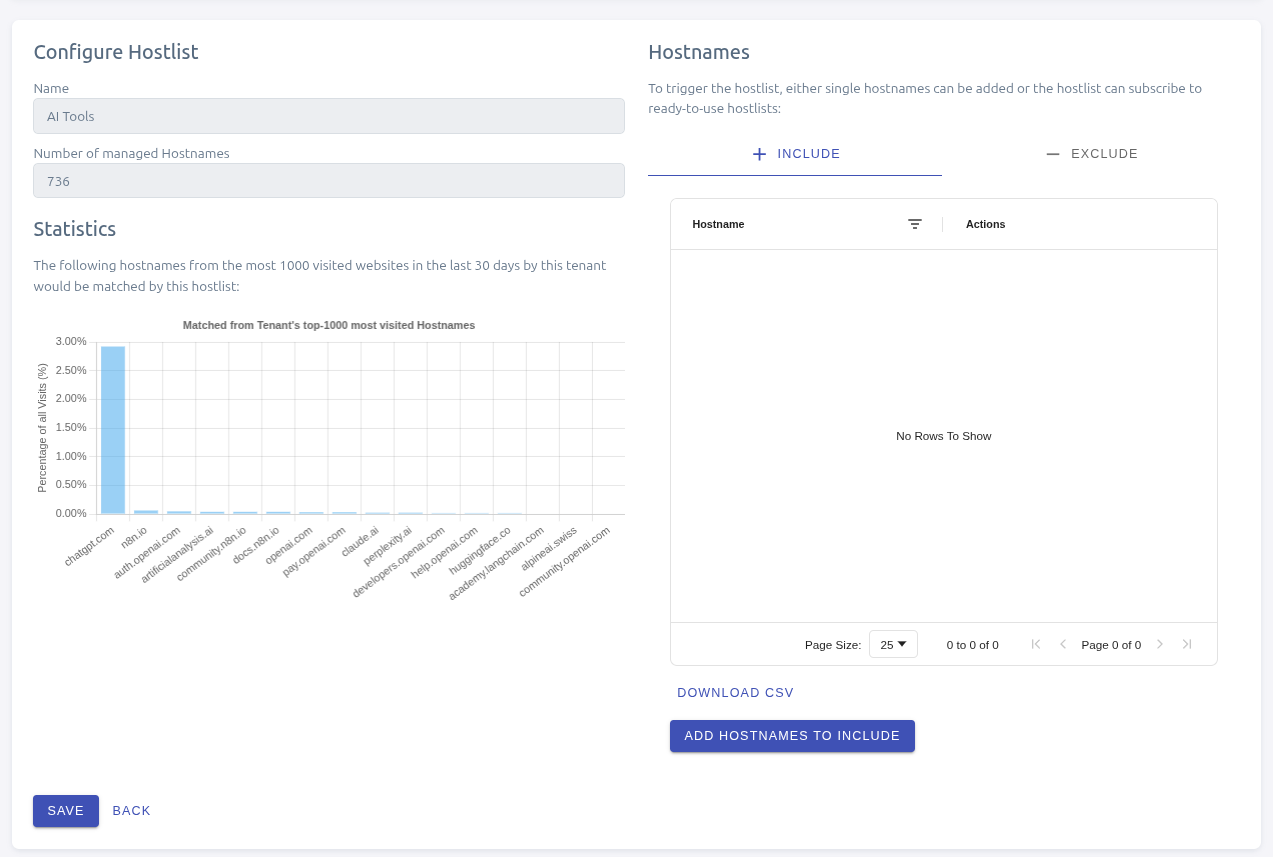
Preview against real traffic
The preview lists domains seen in your tenant's last 30 days of activity and shows which of them your rules would match. Use it to confirm intent before attaching a rule set to a live policy.
The preview is history-based: it does not test arbitrary domains. Sites your users haven't visited recently will not appear even if they would match the rules going forward.
Reuse across policies
Each rule set can be attached to multiple policies. Favor reuse: one edit to the rule set propagates to every policy that uses it. Review rule sets regularly to keep them aligned with how your organization uses online tools.