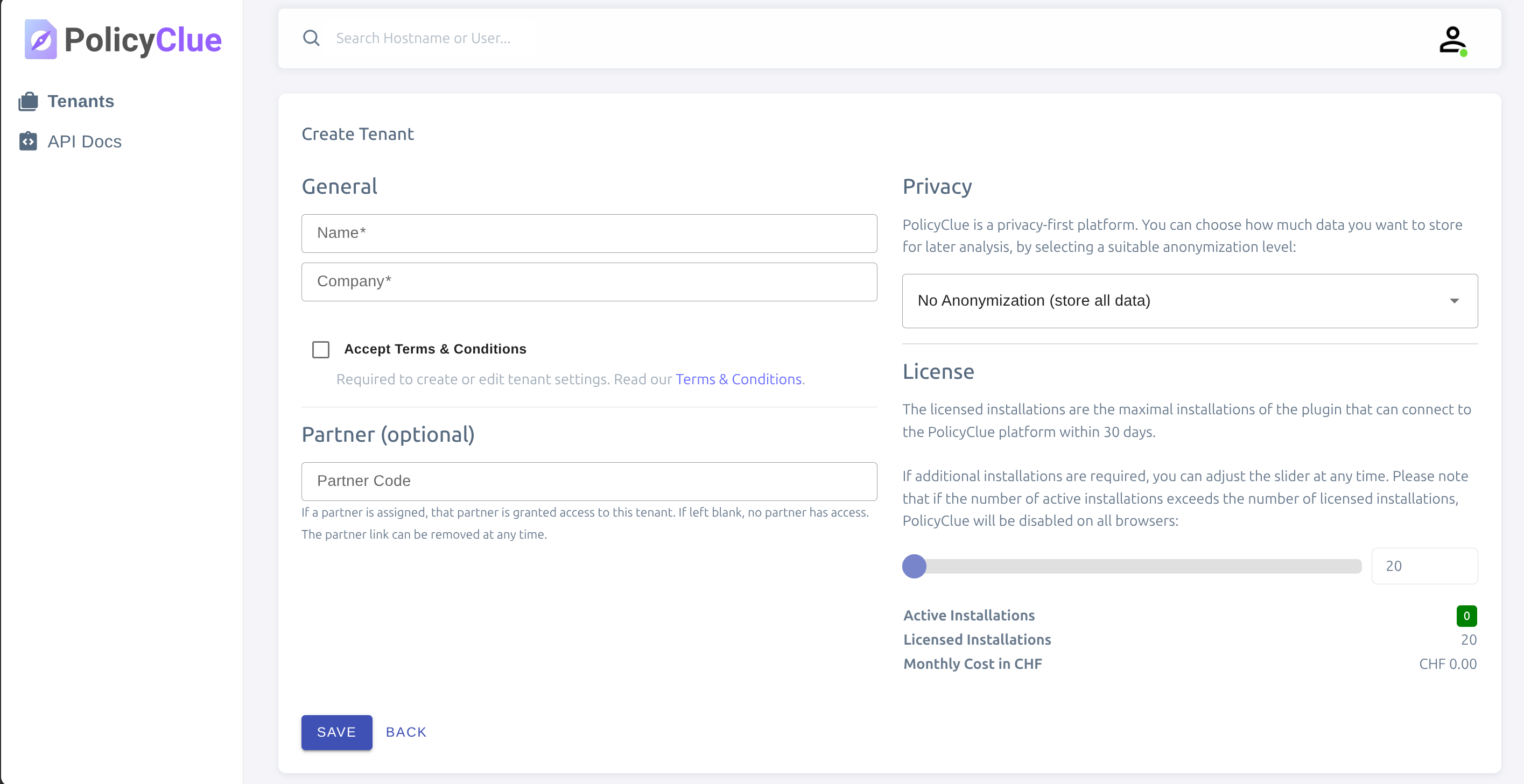
Creating a New Tenant
After logging in as a partner or an administrator with tenant permissions, open the Tenants area and select "Create tenant". Enter a clear name and optional logo. The tenant controls branding, policies, and hostlists for a single organization.
Once created, you can invite administrators and start configuring policies. Most tenant details can be changed later without impacting existing policies.
Recommended next steps: - Upload your company logo and colors to brand the popup. - Review default hostlists and decide if you need custom ones. - Create your first policy and attach relevant content (decks and questions).